Showing posts with label Online Publishing. Show all posts

Jan 22, 2011

Imgur, share your images easily.

Imgur, the simple image sharer
Introducing Imgur.com. Imgur (pronounced as image-er; imager.) allows you to share images online without having to open an account. As long as your image file is less than 10MB, you can upload it to Imgur and share it with your friends. You may ask how long will the image be on Imgur. On it's FAQ page, it says that as long as your images are getting at least 1 view every 3 months, they will stick around forever. After that, your image may be removed to create more space for newer images. Besides, your pictures will be anonymous, which means that no one knows who posted what and private images will not be made public.


If your pictures gained a certain popularity, it will be added to the Gallery and you can look for the trending ones on Topsy- a real time search engine for Twitter.


Can the images be deleted after you upload it? Yes. There will be a "Deletion Link" at the bottom left after you uploaded the picture (Refer to the picture below). Remember, the deletion link only shows up once, so make sure you save a copy of it just in case you want to delete it in the future. 


Imgur, the simple image sharer, screenshots after upload


Format of Image allowed: JPEG, GIF, PNG, APNG, TIFF, BMP, PDF, XCF (GIMP). Please note that the TIFF, BMP, PDF and XCF formats will be converted to PNG on upload.


Size: A maximum of 10MB and those over 1MB will automatically be compressed or resized to 1MB, for better viewing.

Jul 5, 2010

Tips on Google Docs

I bet you've heard of Google Docs. This allows you to do your work wherever you are as the document can be accessed anywhere as long as you have internet connection and a Google account. Recently, Google Docs has been updated with several new features.

  • Several users can edit and read the documents AT THE SAME TIME through Collaboration (by editting the Sharing settings in the picture below).
  • Documents can be shared and published on blogs and websites (Publish to the Web).

  • Google Docs support ODT (OpenOffice), CSV, RTF (RichText), PDF, DOCX(which will be converted to DOC for editing) and so on.


  • In Google Docs' Spreadsheet (a Microsoft Excel look-alike), similar formulae can be used in Docs. This allows flexibility for Microsoft users.

  • There is a ruler now for the margin. Indents can be added on the ruler by clicking on the ruler.

  • Equation can be inserted easily.
  • You can now draw in Google Docs

  • There is a Word Count tool in Google Docs.


So what are you waiting for? Sign up now at Google Docs.

Titbits (You will like it): 
Google's new stable release of Chrome comes with built-in Adobe Flash (Joyce, you should try this.) so now, you don't have to manually download Adobae Flash on your own. With this,
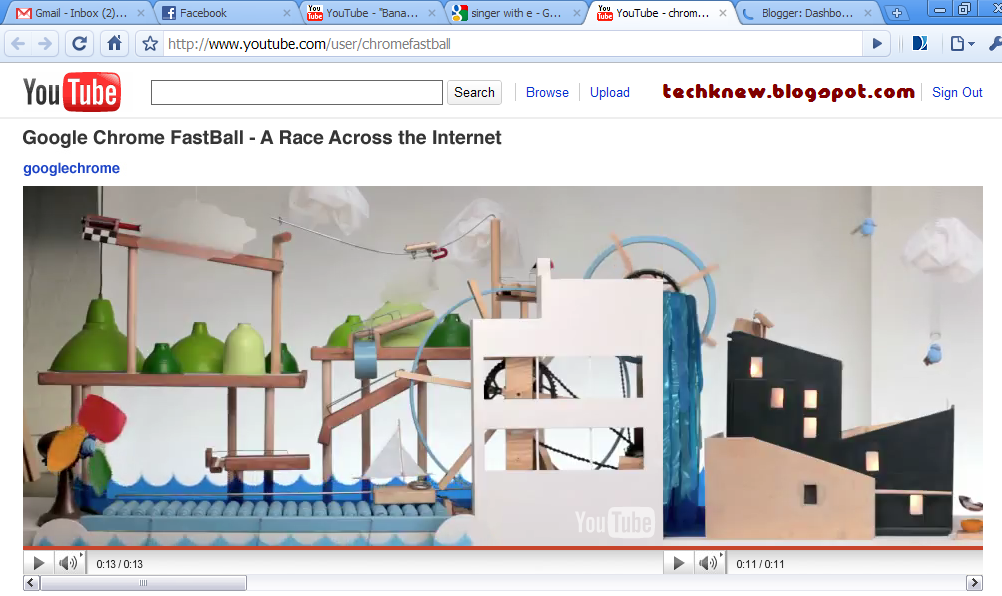
Google created a YouTube Video Game to highlight its new HTML5 feature. To complete the game, you have to answer several questions, which also boasts Google's dominance in internet search.


Previously on TechKnew :


May 30, 2010

Issuu + Nokia Ovi Guide

50bestwebsites2009-75x75
Issuu is an online service that allows for realistic and customizable viewing of digitally uploaded material, such as portfolios, books, magazine issues, newspapers, and other print media (Source: Wikipedia). It was one of TIME's 50 Best Websites 2009. It loads very quickly, a lot quicker than Scribd and offers much better reading experience for you.

For a try, read Nokia's Ovi Guide on Issuu.